
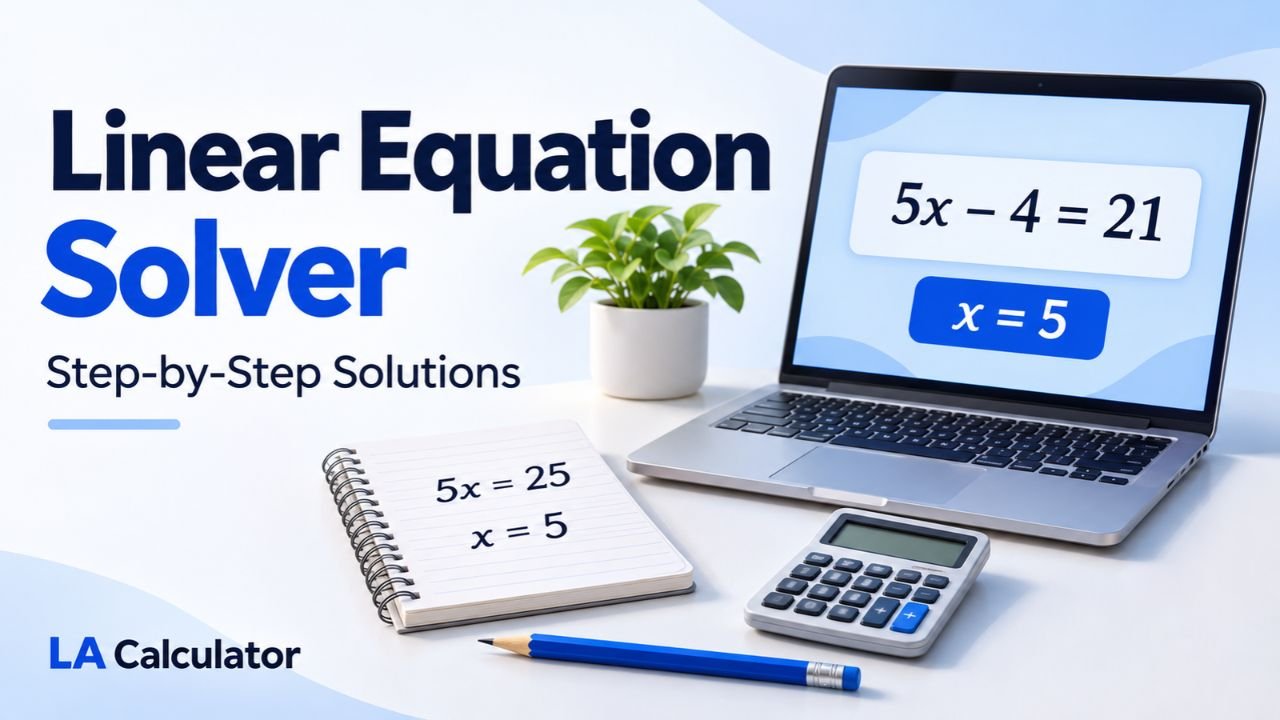
A linear equation solver helps you find the unknown value in an equation. The Linear Equation Solver on LA Calculator works with one-variable equations in the form (ax+b=c). Enter the coefficient and two constants, then select Calculate to see the answer and the steps used to obtain it.
The calculator accepts positive numbers, negative numbers, and decimals. Its separate input fields let you enter the numerical values without typing a complete equation.
What Is a Linear Equation?
A linear equation in one variable can be written as (ax+b=c), where a ≠ 0. The variable appears to the first power, and solving the equation means finding the value that makes both sides equal.
In this form, (x) is the unknown, (a) is the coefficient multiplying it, (b) is the constant added on the left, and (c) is the value on the right.
For example, in (2x+3=11), the coefficient is 2, the left-hand constant is 3, and the right-hand value is 11. These three numbers correspond directly to the calculator’s input fields.
Linear Equation Formulas and Standard Form
The calculator uses the equation:
[ax+b=c]
Subtracting (b) from both sides gives:
[ax=c-b]
When a ≠ 0, dividing both sides by (a) produces the solution formula:
x = (c − b) / a
A one-variable linear equation can also be written with zero on the right. Moving (c) to the left changes the same equation to (ax+(b-c)=0). For calculator entry, keep the coefficient and constants arranged as (ax+b=c).
The case (a=0) needs separate treatment because division by zero is undefined. The equation then reduces to (b=c). If the constants differ, there is no solution. For example, (0x+3=11) cannot be true for any value of (x).
If the constants are equal, every value of (x) satisfies the equation. Thus, (0x+3=3) has infinitely many solutions. The calculator identifies these cases with a result message.
How to Solve a Linear Equation Step by Step
Consider the equation:
[5x-4=21]
The aim is to isolate (x) while keeping both sides equal.
- Add 4 to both sides, giving (5x=25).
- Divide both sides by 5, giving (x=5).
- Substitute 5 into the original equation: (5(5)-4=21).
The substitution produces a true statement, confirming the answer.
For this example, the calculator inputs are (a=5), (b=-4), and (c=21). The negative sign belongs with the constant. Entering 4 instead of (-4) would represent a different equation.
Although the general formula says to subtract (b), subtracting a negative number means adding its positive equivalent. Here, (21-(-4)=25), which explains the first step.
Solving Linear Equations with Fractions
An equation containing fractions can be prepared for the calculator by clearing its numerical denominators first. Multiply every term on both sides by a common denominator so that the equation keeps the same solution.
For example:
[\frac{x}{2}+3=11]
Multiplying every term by 2 gives:
[x+6=22]
The calculator inputs are now (a=1), (b=6), and (c=22). The result is (x=16). Checking the original equation gives (16/2+3=11).
This example can also be entered using the exact decimal coefficient (0.5), with (b=3) and (c=11). Both arrangements produce the same answer.
For help with the arithmetic involved in preparing an equation, the fraction calculator guide explains fraction operations, simplification, and conversions. When a fraction has a repeating decimal, clearing denominators avoids replacing its exact value with a rounded coefficient.
Using an Online Linear Equation Solver
Start by arranging your equation as (ax+b=c). Then match each numerical value to its labeled field:
- Enter the number multiplying (x) in Coefficient a.
- Enter the left-hand constant in Constant b.
- Enter the right-hand value in Right-hand side c.
- Select Calculate and read the answer and displayed steps.
When the variable appears as (x) without a written coefficient, enter 1 for (a). Keep minus signs attached to the values they describe, and enter numbers into the fields rather than the full equation.
The worked example above returns 5, with steps showing the equation reduced to (5x=25) before division. Reviewing that sequence helps you connect the numerical result to the algebra.
You can use Copy result to copy the output. Reset restores the starting example. Before using an answer, compare the entered values with your original equation and substitute the result back into it.
Solving Linear Equations with Confidence
For equations in the form (ax+b=c), the method is straightforward: subtract the left-hand constant and divide by the nonzero coefficient. Correctly identifying those values is the foundation of a correct calculation.
The solver makes those steps visible while handling the zero-coefficient cases separately. Preparing the equation carefully and checking the answer by substitution lets you use the result with an understanding of how it was obtained.