
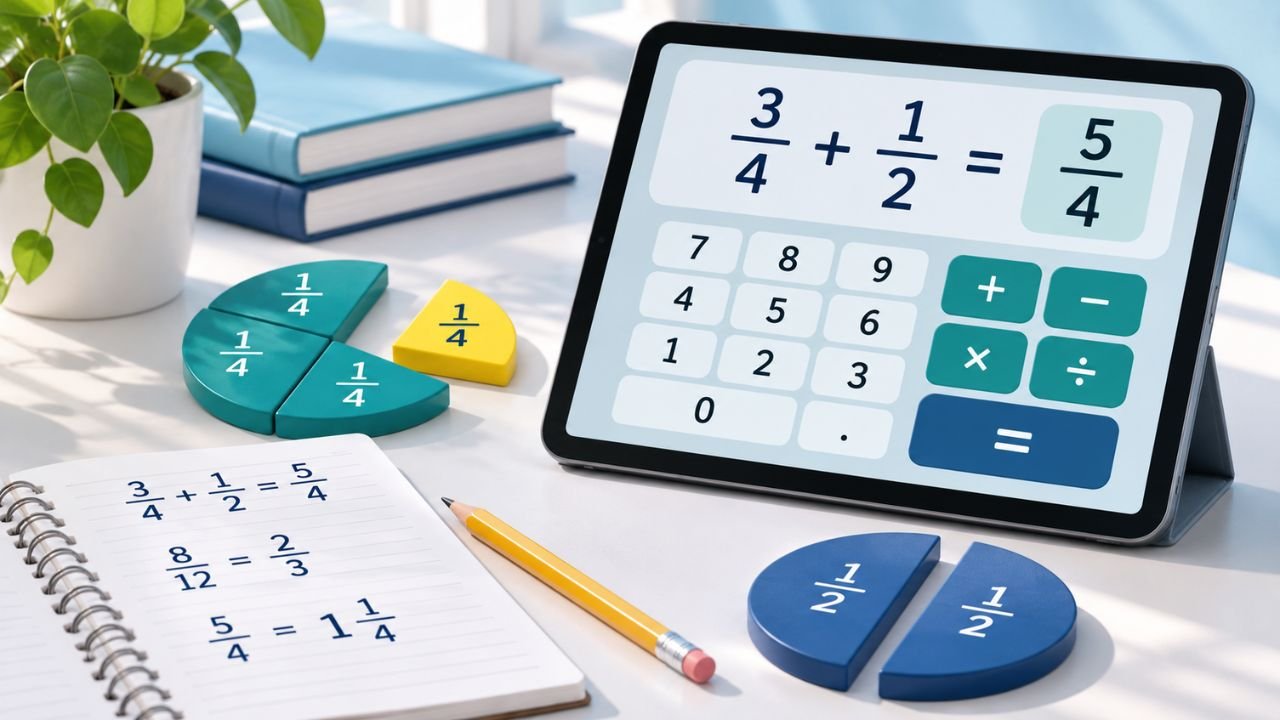
A fraction calculator helps you add, subtract, multiply, and divide numbers written as fractions. Entering the numerator and denominator separately makes it easier to keep track of each value and read the answer in fractional form.
The Fraction Calculator on LA Calculator works with two fractions at a time. It simplifies the result and displays its decimal value, so you can see both forms without repeating the calculation.
| Field | Details |
|---|---|
| Calculator name | Fraction Calculator |
| Supported operations | Addition, subtraction, multiplication, and division |
| Input format | Two fractions with integer numerators and denominators |
| Fraction results | Automatically simplified |
| Decimal results | Decimal value displayed alongside the fraction |
| Cost | Free |
| Registration | No account required |
How to Use an Online Fraction Calculator
Start by identifying the numerator and denominator of each fraction. In 3/4, the numerator is 3 and the denominator is 4. Each number belongs in its own input field.
- Enter the first numerator and denominator.
- Enter the second numerator and denominator.
- Choose the operation from the menu.
- Select Calculate and read the result.
For example, to calculate 1/2 + 1/3, enter 1 and 2 for the first fraction, then 1 and 3 for the second. Choose Add and select Calculate. The simplified answer is 5/6.
Use integers in the fraction fields, including a minus sign when needed for negative values. Both denominators must be nonzero, and the second fraction must also be nonzero when dividing.
Adding, Subtracting, Multiplying, and Dividing Fractions
Addition and subtraction require equivalent fractions with a common denominator. For 1/2 + 1/3, rewrite the values as 3/6 and 2/6. Adding the numerators gives 5/6. The denominator stays the same because both fractions now describe sixths.
Subtraction follows the same principle. For 3/4 − 1/2, rewrite 1/2 as 2/4. Subtracting 2/4 from 3/4 leaves 1/4.
Multiplication uses a different method: multiply the numerators together and then multiply the denominators. For 2/3 × 3/4, the initial result is 6/12, which simplifies to 1/2.
To divide fractions, multiply the first fraction by the reciprocal of the second. For 3/4 ÷ 1/2, the calculation becomes 3/4 × 2/1. The result is 6/4, simplified to 3/2.
These examples explain the arithmetic behind the calculator’s four operation choices.
How to Simplify and Reduce Fractions
Simplifying and reducing mean expressing a fraction in an equivalent form with no common factor greater than 1 between its numerator and denominator. The value stays unchanged.
For example, 18 and 24 share a greatest common factor of 6. Dividing both numbers by 6 turns 18/24 into 3/4.
The calculator automatically applies simplification to its results. You can also reduce an existing fraction by multiplying it by 1/1. Enter 18/24 as the first fraction, choose Multiply, and enter 1/1 as the second. The answer is 3/4, with a decimal value of 0.75.
Multiplication by 1 preserves the original value while allowing the calculator to return its simplified form.
Working With Improper Fractions and Whole Numbers
An improper fraction has a numerator greater than or equal to its denominator. Enter it using the same numerator and denominator fields as any other fraction.
For example, adding 7/4 and 1/2 produces 9/4. This answer is already simplified because 9 and 4 have no common factor greater than 1. A numerator larger than the denominator does not make the result incorrect.
Whole numbers can also take part in fraction calculations. Write the whole number over a denominator of 1: 3 becomes 3/1, for example.
To calculate 3 × 2/5, enter 3/1 and 2/5, then choose Multiply. The result is 6/5, with a decimal value of 1.2.
Reading Fraction and Decimal Results
The result includes a simplified fraction and its decimal representation. For instance, 3/4 corresponds to 0.75, while 3/2 corresponds to 1.5.
Fractions can also be expressed as percentages. Use a percentage calculator to find what percentage the numerator represents of the denominator. For example, 3/4 equals 75%, representing the same value as 0.75.
Some fractions produce repeating decimals. The exact value 1/3 repeats indefinitely as 0.333…, so its displayed decimal contains only a finite number of digits. Keep the fractional form when an exact answer is needed.
If a result simplifies to a denominator of 1, the main answer appears as a whole number. Both the fraction’s form and its decimal representation help you interpret the same calculated value.
Getting Reliable Results From a Fraction Calculator
Correct inputs and the right operation are the foundation of a reliable answer. Review each numerator and denominator, keep negative signs attached to the intended values, and distinguish the simplified fraction from any rounded decimal representation.
Using the calculator alongside the arithmetic behind each operation makes the result easier to understand and verify.